Best Tools for Planning Repeating Weekly Lessons for Teachers
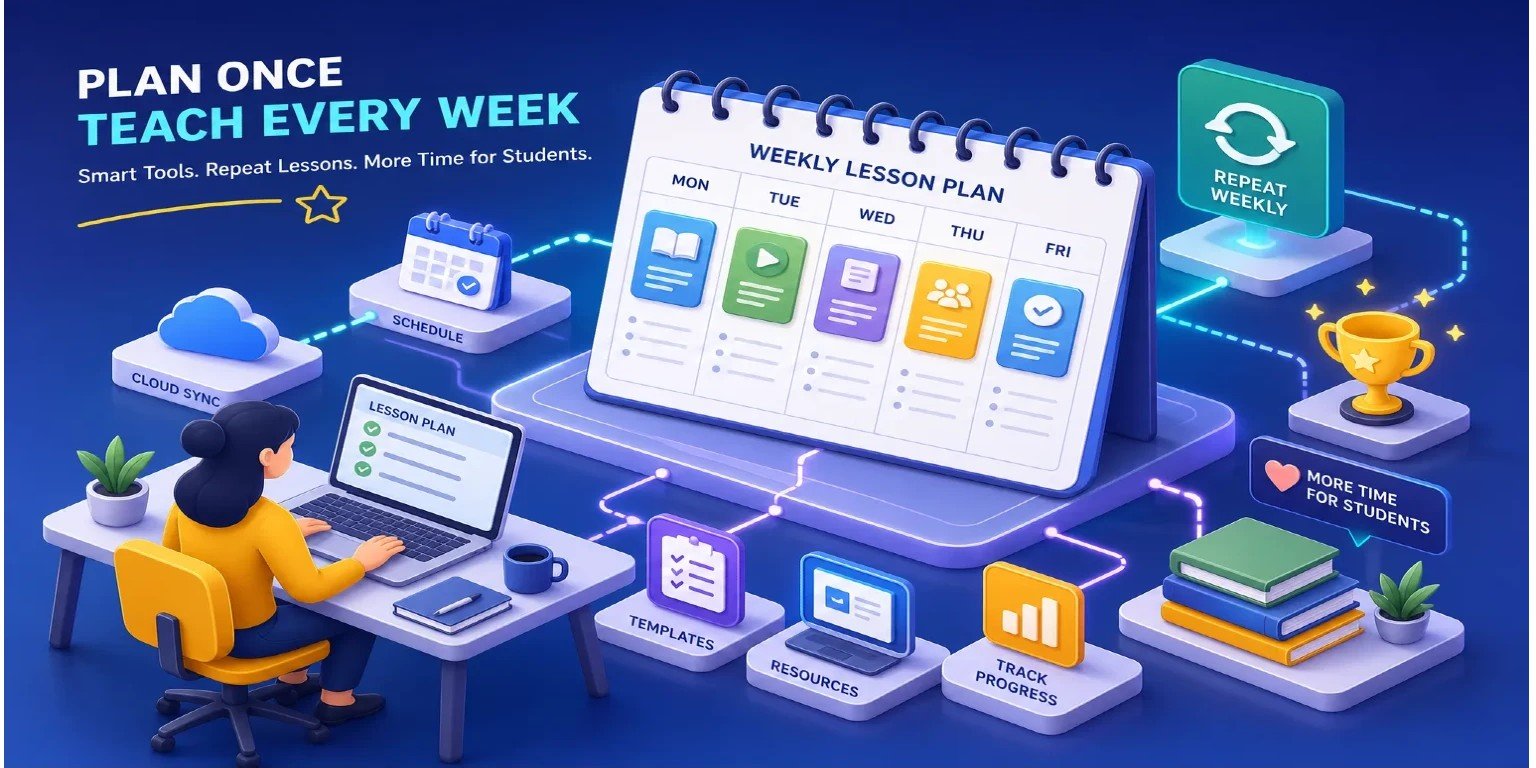
If you've ever asked yourself what the best tool to plan repeating weekly lessons for teachers is, you already know the frustration that drives the question. Every new term, teachers sit down and rebuild the same weekly schedule they had three months ago.
The subjects haven't changed. The time slots haven't changed. The class groups are largely the same. But the previous term's layout lives in a spreadsheet tab that's been overwritten, or in a calendar that carries no lesson context forward, or in a planner app that requires logging back in and reconfiguring from the beginning.
Or maybe you do something like teach online, and your schedule changes as you lose and gain students over time. Yet, your scheduling tool was never built to evolve and change to match your needs. It's one of the most reliably frustrating parts of teaching, and for most educators, it happens multiple times a year.
This article compares the most common tools teachers use to plan recurring weekly lessons, from free workarounds to dedicated lesson-planning software. It evaluates each on three criteria that actually matter in a classroom:
- ease of setup
- offline reliability
- and pricing model
. The comparison covers Google Calendar, spreadsheet templates, web-based planners like Planbook, and dedicated desktop tools, including ScheduleMaker, a Windows app built specifically for recurring weekly lesson scheduling. By the end, you'll know which category fits your situation and how to get your first term's schedule running without rebuilding it from scratch next time.
Why teachers keep rebuilding the same schedule from scratch
The Google Calendar workaround and where it breaks down
Most teachers try Google Calendar first because it's free and familiar. The recurring event feature works in theory, but it creates calendar entries, not lesson plans. There's no subject context, no student grouping, no ability to label a block "Year 7 Maths" and have that structure carry across weeks with any real meaning. The result is a crowded calendar that still requires manual interpretation every week.
Add in the fact that Google Calendar needs an active internet connection and a Google account, and it stops working reliably in schools with restricted networks. Repeating events are also capped at 730 occurrences, and rescheduling a single missed lesson means manually editing that instance without affecting the rest of the recurrence, a known limitation of calendar-based scheduling for teachers (Google Calendar recurring meeting setup)
The spreadsheet trap and its hidden maintenance cost
Spreadsheets offer full customization, which is exactly why teachers love them initially. A well-formatted Excel or Google Sheets template looks clean in week one. By week eight, it's been copied, renamed, adjusted, and corrupted by accidental edits.
There's no automation: every recurring lesson is a copy-paste job. The flexibility that felt like an advantage becomes the reason the tool requires constant maintenance (see the discussion comparing spreadsheet vs scheduling software).
In practice, spreadsheets hold up for small, static schedules but break down once terms change, schedules grow, or multiple students or subjects are involved. Many teachers report spending more time managing the spreadsheet than planning the actual lessons, which is the opposite of what a weekly lesson planner should do.
What is the best tool to plan repeating weekly lessons for teachers?
Ease of setup: from blank screen to full weekly schedule
A tool earns its place in a teacher's workflow if it can go from a blank screen to a complete weekly schedule in one short session. That means a visual layout, clear time slot input, and a structure that mirrors how teachers already think about their week: by subject, by class group, and by day.
Generic tools make you map your teaching workflow onto their interface. A purpose-built recurring lesson scheduler gives you the right starting point, so you're filling in your schedule, not configuring someone else's system.
Offline access and local data: why these matter more than they seem
Most lesson planning software is cloud-first, which means it needs a login and a stable connection to function. Many U.S. schools have restricted or inconsistent Wi-Fi, and some teachers plan lessons from home without wanting student data sitting on a third-party server.
Cloud platforms introduce real risks: data breaches, overbroad access permissions, and third-party integrations that expand data sharing well beyond what lesson scheduling actually requires. For guidance on keeping students' data safe, consider privacy-first recommendations when evaluating cloud platforms.
Offline functionality isn't a nice-to-have for teachers in these environments; it's the difference between a tool that works and one that doesn't.If your planning workflow depends on a server you don't control, you've handed reliability to someone else.
Pricing model: subscription fatigue is real among educators
Teachers already pay for subscriptions they barely use. A recurring weekly schedule is a basic productivity task; it doesn't need a $10-per-month SaaS platform attached to it. The best tools in this category offer a free tier to test and a one-time purchase for full access.
When evaluating options, the pricing model deserves as much attention as the features, especially for independent tutors and homeschool families who pay for software out of pocket.
Comparing the main tool categories
Google Calendar and Outlook: functional but limited
Both Google Calendar and Outlook support recurring events, and both are free with existing accounts. For teachers who only need to block out time and don't require lesson context, they're a viable starting point. The structural limitations are significant: no lesson-specific fields, no subject or class labeling built in, and no way to see a clean teaching schedule separate from personal appointments.
Rescheduling a missed lesson means manually editing each recurrence. While both platforms do support calendar exports in standard formats (.ics), those exports lack lesson-planner-specific fields and structure, making them difficult to share with a co-teacher or administrator in any meaningful, readable form. These tools weren't built for lesson planning, and it shows
Web-based lesson planners: more structure, more tradeoffs
Planbook's pricing (approximately $20/year, with a free trial available) adds genuine lesson structure: time blocks carry subject labels, and the platform supports lesson-structure features that make it a meaningful step up from calendar workarounds. The tradeoffs are cloud reliance, login requirements, and annual subscription pricing.
Lillio's Weekly Planner also supports recurring weekly routines, though its feature set is oriented toward early childhood settings rather than K-12 or independent tutors. For teachers already comfortable in cloud environments with reliable school internet, Planbook's free trial is worth testing before buying in.
Desktop-first tools: built for focus, not flexibility
A dedicated desktop app for lesson scheduling occupies a different category from both calendar apps and web planners. It runs locally, stores data on your machine, and doesn't require a browser tab or an account. This category is small because most EdTech investment has gone into cloud products.
But for teachers who want a distraction-free, offline-capable tool with no recurring fees, it's exactly the right place to look. The desktop category trades cloud convenience for reliability, privacy, and a pricing model that doesn't require an annual renewal decision.
How ScheduleMaker handles repeating weekly lessons
A visual layout built around recurring weekly structure
ScheduleMaker's core design is a weekly time block grid. Every lesson slot is labeled, recurring by default, and visible at a glance across the full week. There's no workaround needed to make lessons repeat: the structure assumes a weekly routine from the start.
Teachers add their subjects, assign time blocks, and save. The free version supports up to 6 time slots, enough for a primary teacher or a tutor with a focused student load to test the full workflow before deciding whether to upgrade.
Offline-first, one-time purchase, no login required
All schedule data in ScheduleMaker is stored locally on the user's Windows PC. There's no account to create, no server to sync with, and no subscription to maintain. The Pro version is a one-time purchase that unlocks unlimited time slots and import/export functionality. Teachers can back up schedules, duplicate them for a new term, or share them without any cloud involvement.
For teachers in schools with restricted internet, or those simply tired of managing SaaS subscriptions, this model removes the friction that most EdTech tools quietly assume you're fine with. Your schedule data stays on your machine, under your control.
How to set up your first repeating weekly schedule
Building your time blocks from scratch
The fastest path to a working schedule is to start with your fixed anchors: the subjects or class groups that repeat every week at the same time. In ScheduleMaker, these go in as named time blocks on the day grid. Add each recurring lesson by selecting the day, entering the time slot, labeling the subject, and any relevant notes, then saving.
The visual layout shows the full week at once, so gaps and conflicts are obvious before you finalize anything. For tutors managing multiple students, group lessons by student name rather than subject to keep scheduling conflicts visible across the week.
How to choose the best tool to plan repeating weekly lessons for teachers: adjusting across a new term
When the weekly structure is in place, starting a new term doesn't mean rebuilding from scratch. Pro users can export the schedule, duplicate it, and adjust start times or subject labels for the new period, keeping the recurring structure intact while updating only what's changed.
For teachers on the free version, the saved layout opens exactly as it was left, ready for minor edits rather than a full rebuild. This is the core workflow advantage over both spreadsheets and calendar apps, where a new term typically means starting from a blank file. The goal is to set your schedule once and update it, not rebuild it.
Matching the right tool to your teaching situation
A quick guide by teacher type
Different teaching situations have different requirements, and no single tool is the right fit for every educator. Here's how the decision breaks down by role:
- K-12 classroom teacher: If your school has reliable internet and you're already in Google's ecosystem, Planbook's free trial is worth testing before paying for anything. If you plan lessons offline or want your data off cloud servers, ScheduleMaker is the direct alternative.
- Independent tutor: You need a lightweight tool that handles multiple students without conflict. ScheduleMaker's time block layout is built for exactly this: slot by student, repeated weekly, no login required.
- Homeschool educator: Spreadsheets are common in this group but break down quickly across multiple children and subjects. A dedicated weekly planner with local storage fits the homeschool workflow better than a school-focused cloud app.
- Small tutoring center operator: A shared Google Calendar creates version-control problems across a team. A local desktop app with import/export handles the schedule centrally without requiring everyone to share the same cloud account.
When to stay on the free tier versus upgrading
ScheduleMaker's free version is a genuine evaluation tool, not a crippled demo. Six time slots cover a focused weekly schedule for a single-subject teacher or a tutor with a small student load.
The Pro upgrade makes sense when the schedule grows beyond six recurring lessons per week, when import/export becomes necessary for term-to-term duplication, or when sharing a readable schedule with a co-teacher or parent is part of the regular workflow. There's no subscription deadline forcing the decision: upgrade when the use case demands it, not because a trial period is expiring.
The best recurring lesson planner is the one you set up once
The underlying point is simple: your weekly schedule shouldn't require rebuilding every term. The right repeating lessons template sets that structure once, carry it forward automatically, and ask for nothing more than minor adjustments when something changes. That's the standard worth holding every tool to.
The tool that works best for repeating weekly lessons is the one that matches how you actually teach, not the one with the longest feature list. For teachers already embedded in cloud ecosystems with reliable school internet, web-based planners like Planbook offer useful lesson structure at a reasonable annual cost.
For teachers who want offline reliability, local data storage, and a one-time cost, a dedicated desktop tool like ScheduleMaker removes the subscription overhead and ongoing cloud reliance that most EdTech tools assume you're comfortable with.
So, what is the best tool to plan repeating weekly lessons for teachers? It depends on your workflow. Cloud-based lesson planner apps like Planbook suit teachers with stable connectivity and existing Google ecosystems.
ScheduleMaker is the stronger fit when offline access, local data control, and a one-time purchase matter more than cloud convenience. If you want to test the offline-first approach without committing to anything, download ScheduleMaker's free version, build your first weekly block schedule, and see whether the structure holds up through a full term before deciding whether the Pro upgrade fits your workflow.